REAL-WORLD WORKFLOWS

Use it the way your recipes actually live.

Some collections start in a recipe box. Others are scattered across bookmarks, Word files, printouts, screenshots and family emails. Your Kitchen Library is designed to bring those sources together and make them useful again.

01

PRESERVE FAMILY RECIPES

Turn the old recipe box into a searchable family library.

Scan or photograph a printed card, correct the OCR text, review the parsed recipe and save it with the family's notes and attribution intact.

  1. Photograph or scan the recipe.
  2. Import the image or PDF.
  3. Correct extracted text before parsing.
  4. Review ingredients and instructions in the normal editor.
  5. Save, categorize and add a photo when you have one.
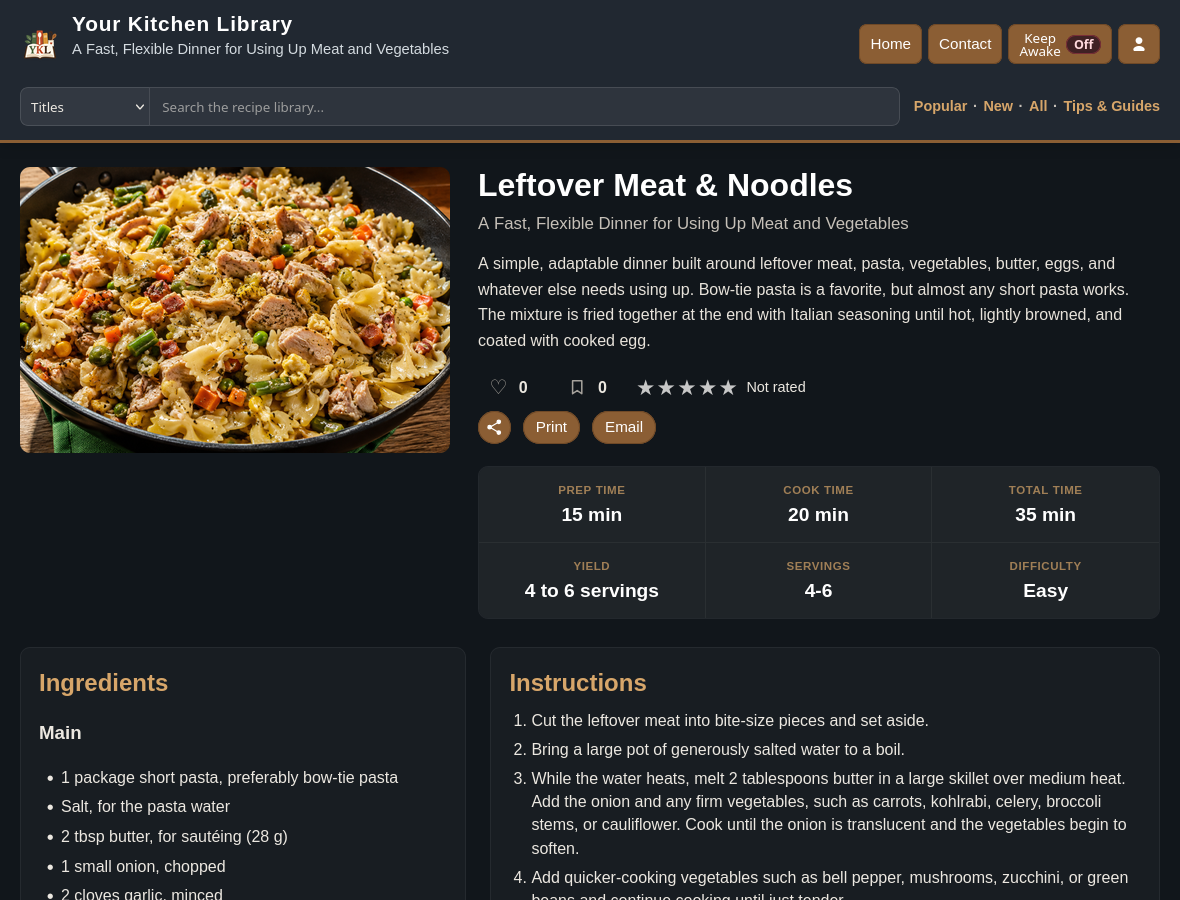
A finished recipe detail page
The result is a normal, usable recipe page—not a pile of scanned images.
02

REPLACE BOOKMARK CHAOS

Keep the recipe, not just the link.

Import recipes you actually make from public web pages. Review them before saving, preserve source attribution, then find the recipe later even if the original bookmark is forgotten.

  1. Paste the public recipe URL.
  2. Review the imported title, ingredients and directions.
  3. Correct anything the source presented unusually.
  4. Save to your own categories.
  5. Use Favorites or Made It to distinguish proven recipes from the rest.
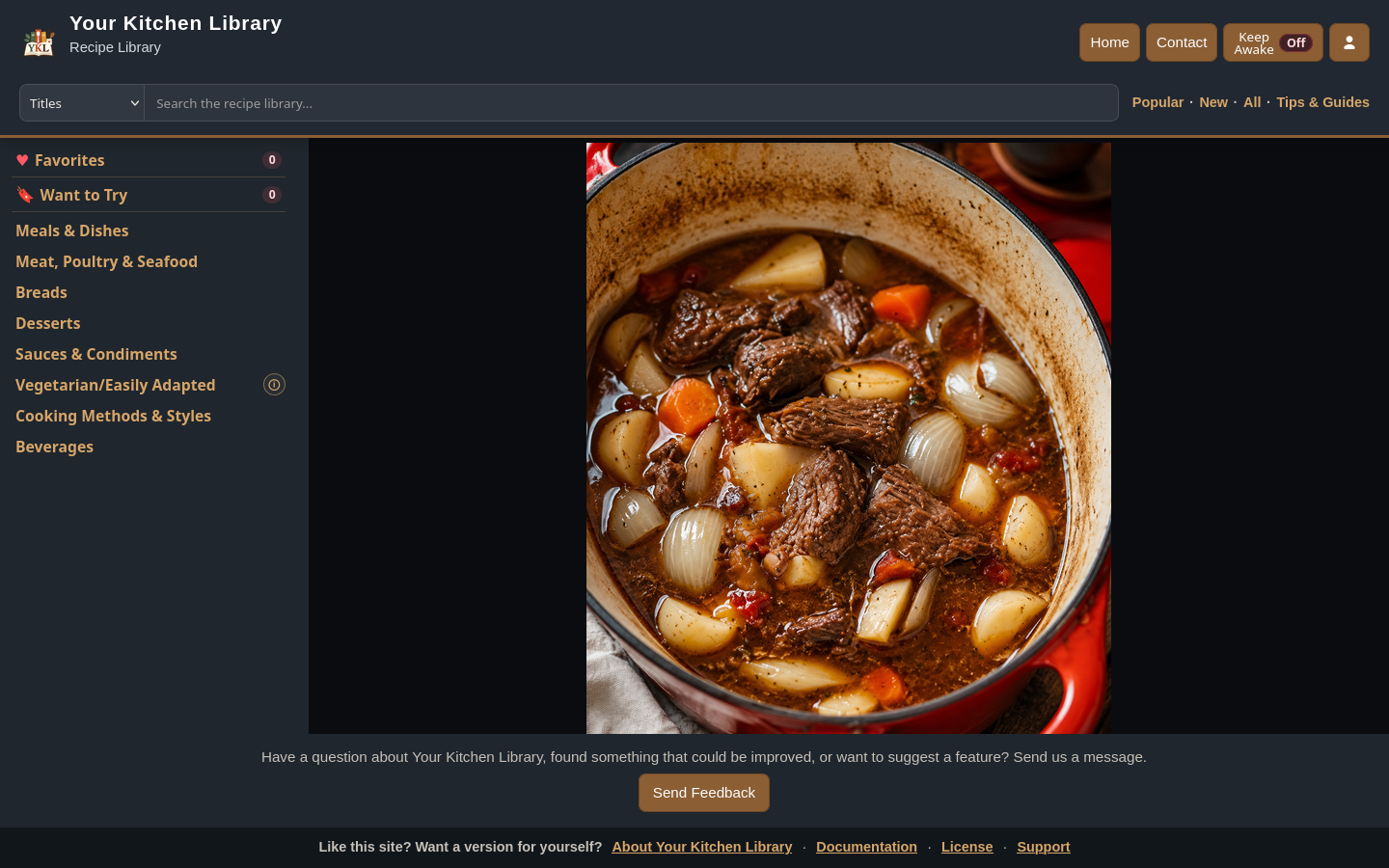
Recipe library with categories and search
Your collection becomes the destination instead of a browser bookmark folder.
03

PLAN THE WEEK

Pick meals first. Shop once.

Add recipes to the week, adjust planned servings, then build the shopping list from the ingredients those meals actually require.

  1. Add recipes from their recipe pages.
  2. Place several dishes on the same day when needed.
  3. Set the servings you plan to make.
  4. Generate the shopping list.
  5. Review On Hand and Buy amounts before heading to the store.
Useful detail: recognized ingredients used in more than one planned recipe are combined when the units can be handled safely.
MY KITCHEN

Sunday → Saturday

SunPot roastMonLeftoversTueTacosWedPastaThuChickenFriPizzaSatBurgers
Combined shoppingOnions 3 neededButter 8 Tbsp neededGarlic 6 cloves needed
04

COOK, LEARN, IMPROVE

Keep your own history with the recipe.

Use the recipe on a phone or tablet, scale it when needed, and record a dated Made It note afterward so the adjustment you discovered does not disappear before next time.

  1. Open the recipe in the kitchen.
  2. Scale the displayed ingredients if the batch changes.
  3. Use Keep Awake where supported.
  4. Record that you made it.
  5. Add a private note about timing, substitutions or what you would change.
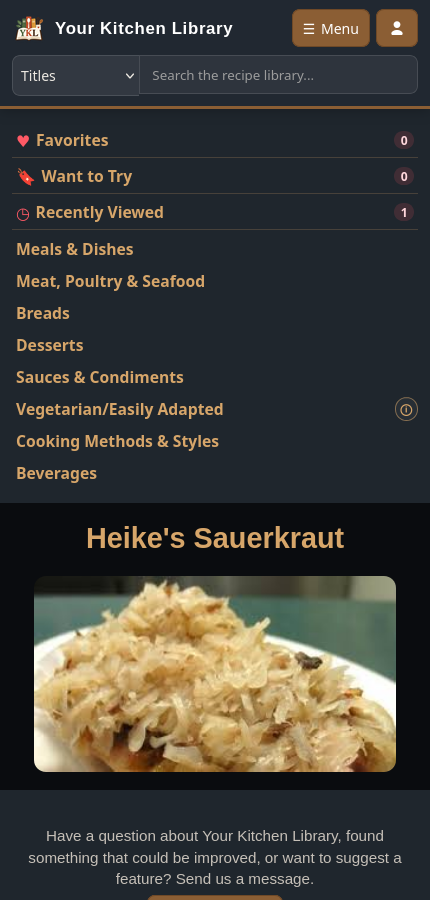
Your Kitchen Library displayed on a narrow mobile screen
The same collection stays practical on a smaller screen.
05

SHARE A HOUSEHOLD COLLECTION

Give different people the access they actually need.

One household can use a shared library without giving every account full administrative control. Roles and permissions separate ordinary recipe use from editing, importing and site management.

  1. Create or approve household accounts.
  2. Choose an appropriate role.
  3. Adjust permissions when the defaults are not the right fit.
  4. Keep personal features such as Favorites and Made It history tied to each user.
  5. Leave administration with trusted accounts.
See users and permissions →
ACCESS EXAMPLE
OwnerFull site administration
AdminContent administration
Power UserTrusted recipe tools
MemberNormal personal features
GuestOnly allowed public functions
06

RUN IT YOUR WAY

Private kitchen tool or public recipe collection.

Run it on your home network, make it securely available while traveling, or publish a collection on your own domain. The same software can fit very different households.

  1. Choose where the Docker installation runs.
  2. Set your site identity and appearance.
  3. Decide whether anonymous viewing is allowed.
  4. Choose whether account requests are accepted.
  5. Back up the database and recipe media so the collection remains portable.
YOUR CHOICEPrivate at homeorShared with familyorPublic on your domain

MAKE IT YOURS

The interface can match the way you want to run the collection.

See how site settings, appearance, roles and user approval fit together.